
Brand
Brand assets, ready to use.
The symbol, the wordmark, the colours, the type, and the imagery, with how to use them.
Two marks, used apart.
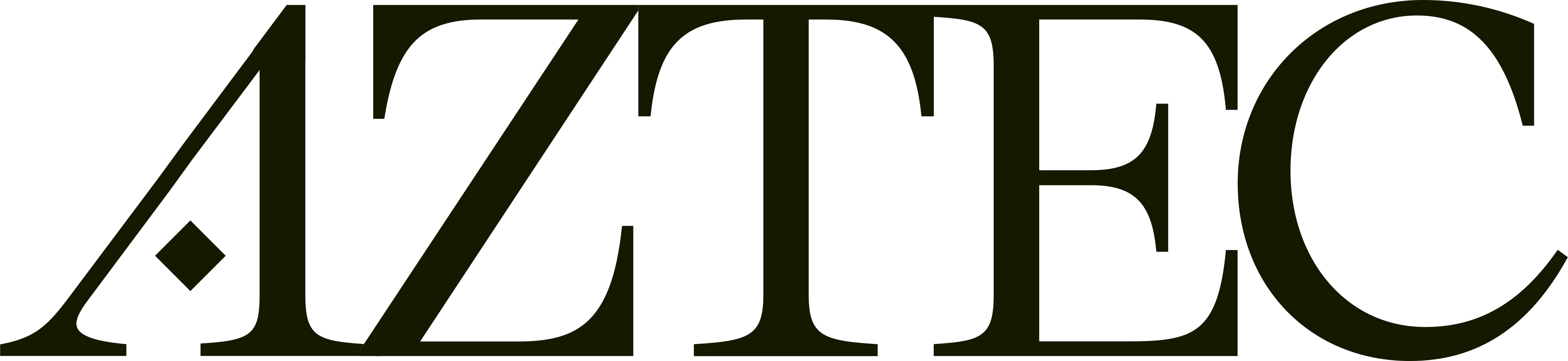
The symbol and the wordmark are separate assets for separate places. Each comes as an SVG and a PNG, for light and for dark.

Symbol






Wordmark


- As supplied
On plain surfaces the symbol keeps its gradient on light and dark. The wordmark is ink on light surfaces and paper on dark.
- Apart
The symbol and the wordmark are separate assets for separate places. They are never set together as one lockup.
- With room
Keep other elements well clear of them on every side, and never smaller than 60px wide on screen or 20mm in print.
- Unchanged
No other colours, no outlines, shadows or effects, and no stretching, rotating, or type set inside them.
- Over imagery
The symbol and the wordmark go on pictures in paper (white), over an ink scrim so they stay legible.
Three colours, and their tints.
Paper and ink carry everything. Lime is the one accent: the lit state, the arrow, the line that matters. Press a colour to copy it.
Two typefaces, one for each job.
A serif for the lines people remember, a grotesk for everything they read. Both are licensed, so neither is in the pack.
Freedom to move unseen.
- Typeface
- ABC Arizona Text, Regular and Italic
- Role
- Display
- Setting
- Line height 0.95, tracking −5%.
- Licence
- Dinamo
- Stand-in
- Martel, open source
Privacy shouldn’t depend on permission. Build and deploy private apps to a decentralized, unstoppable network.Build freely · Stay private
- Typeface
- ABC Oracle, Book
- Role
- Text and labels
- Setting
- Text: line height 1.2, tracking −3%. Labels: capitals, tracking +10%.
- Licence
- Dinamo
- Stand-in
- Geist, open source
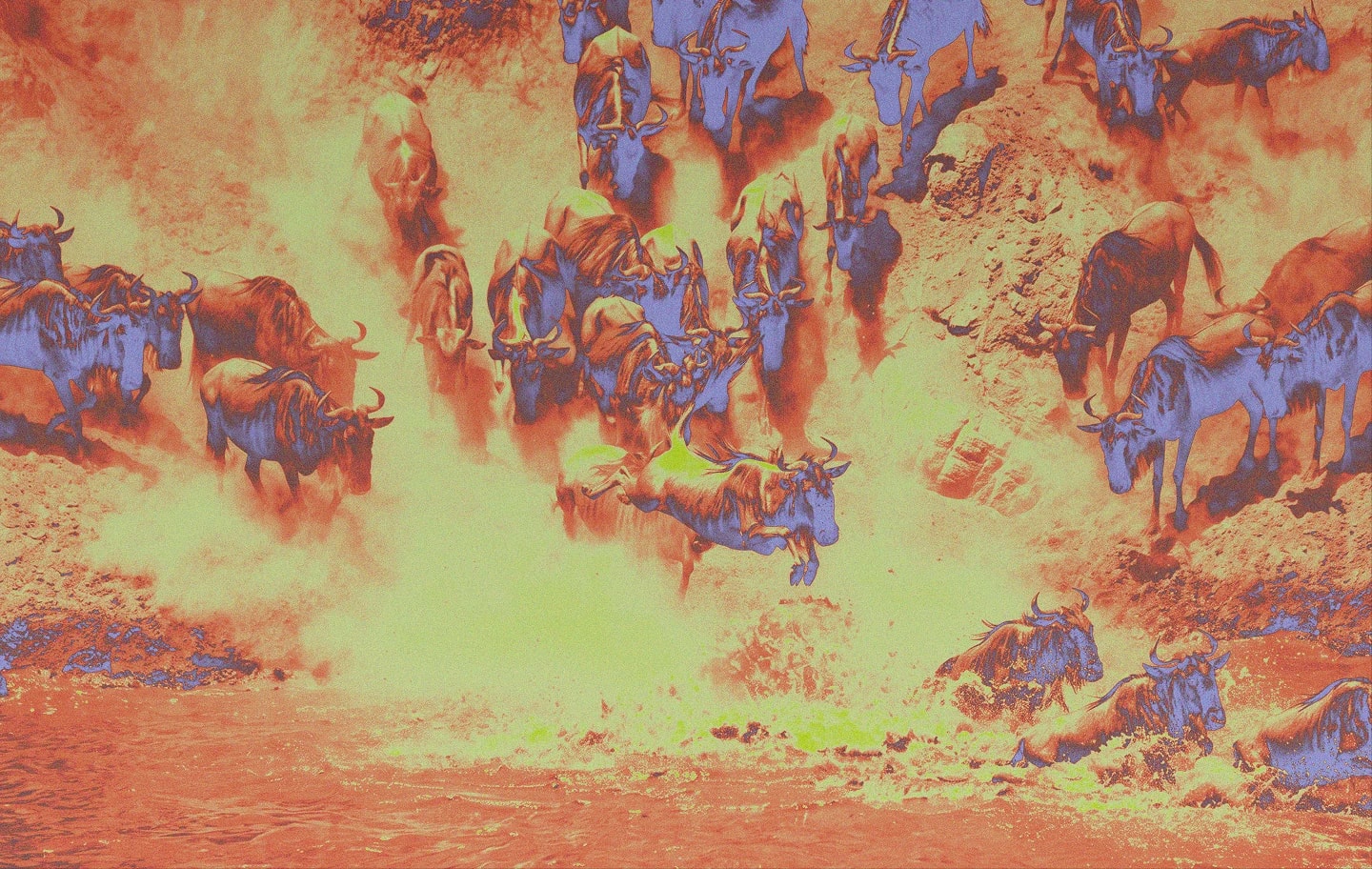
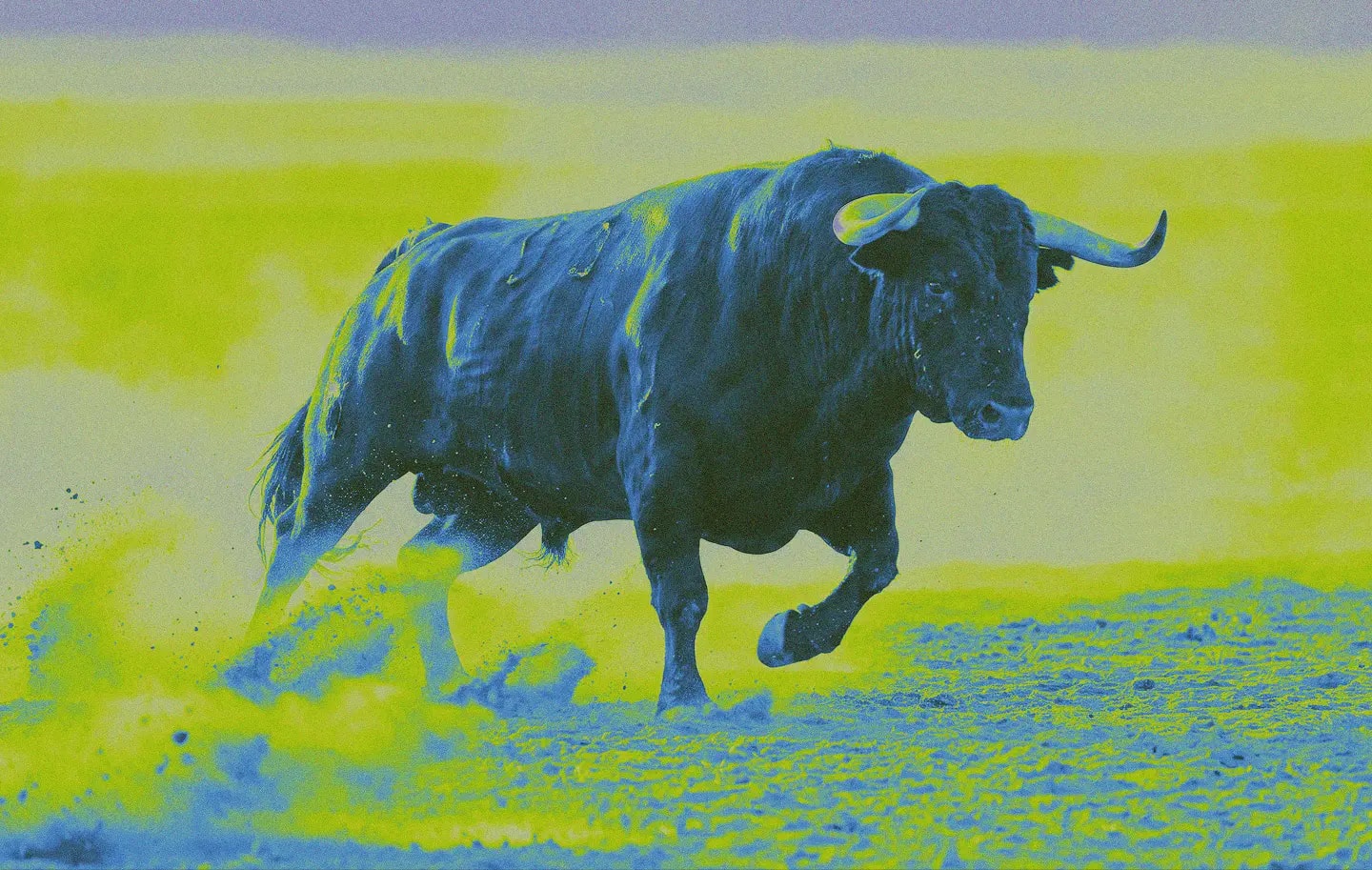
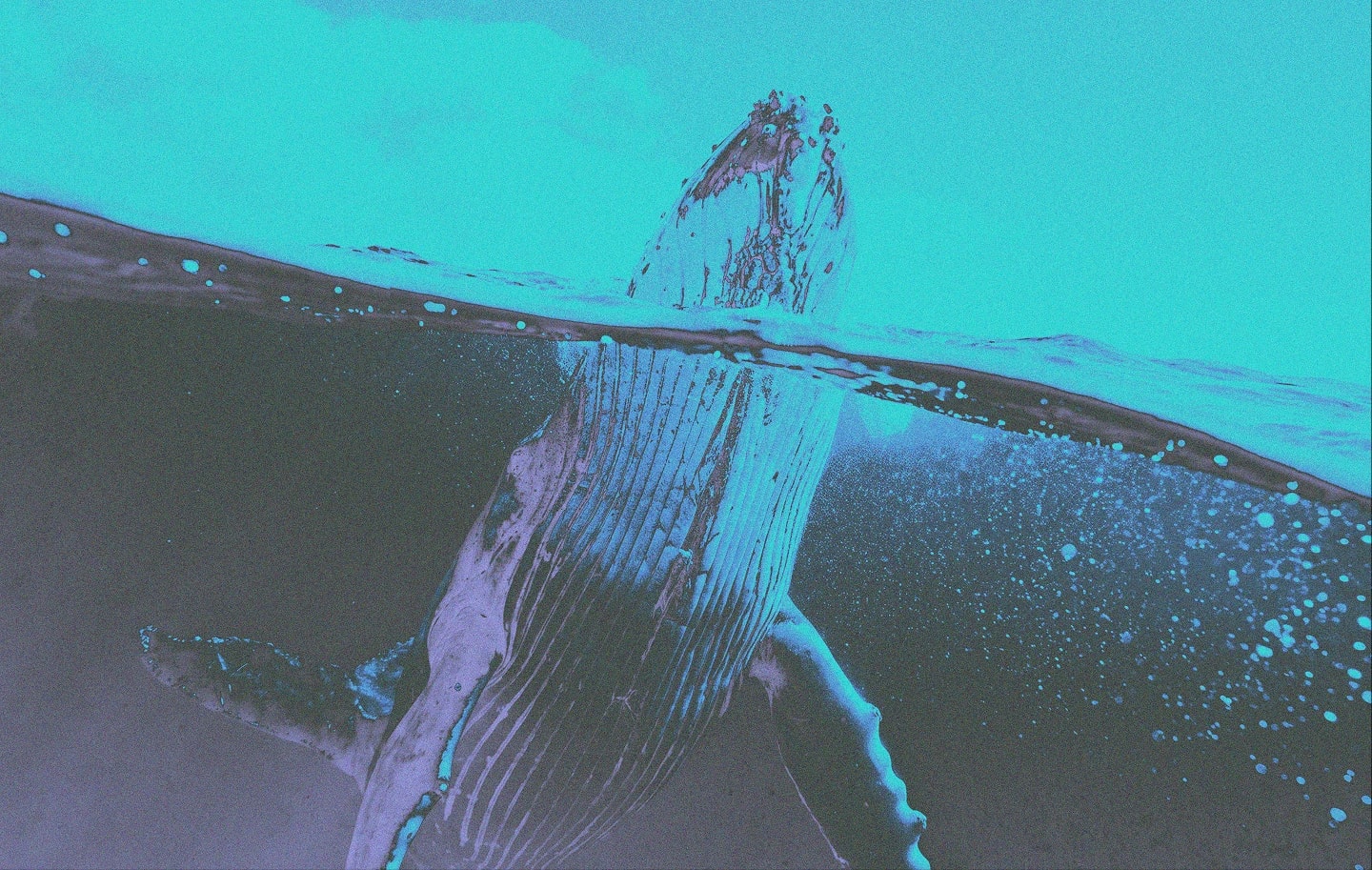
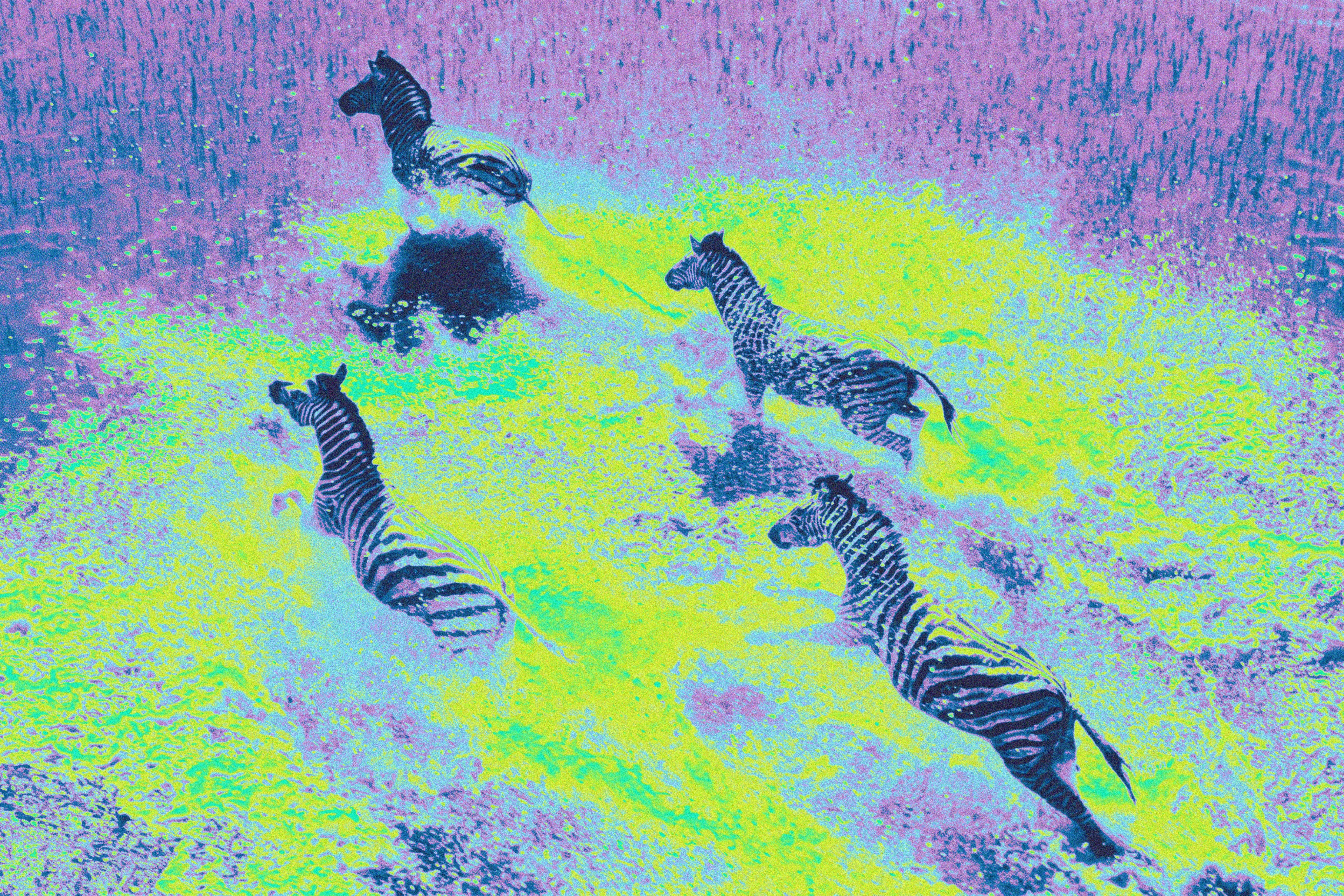
Pictures, pushed into the palette.
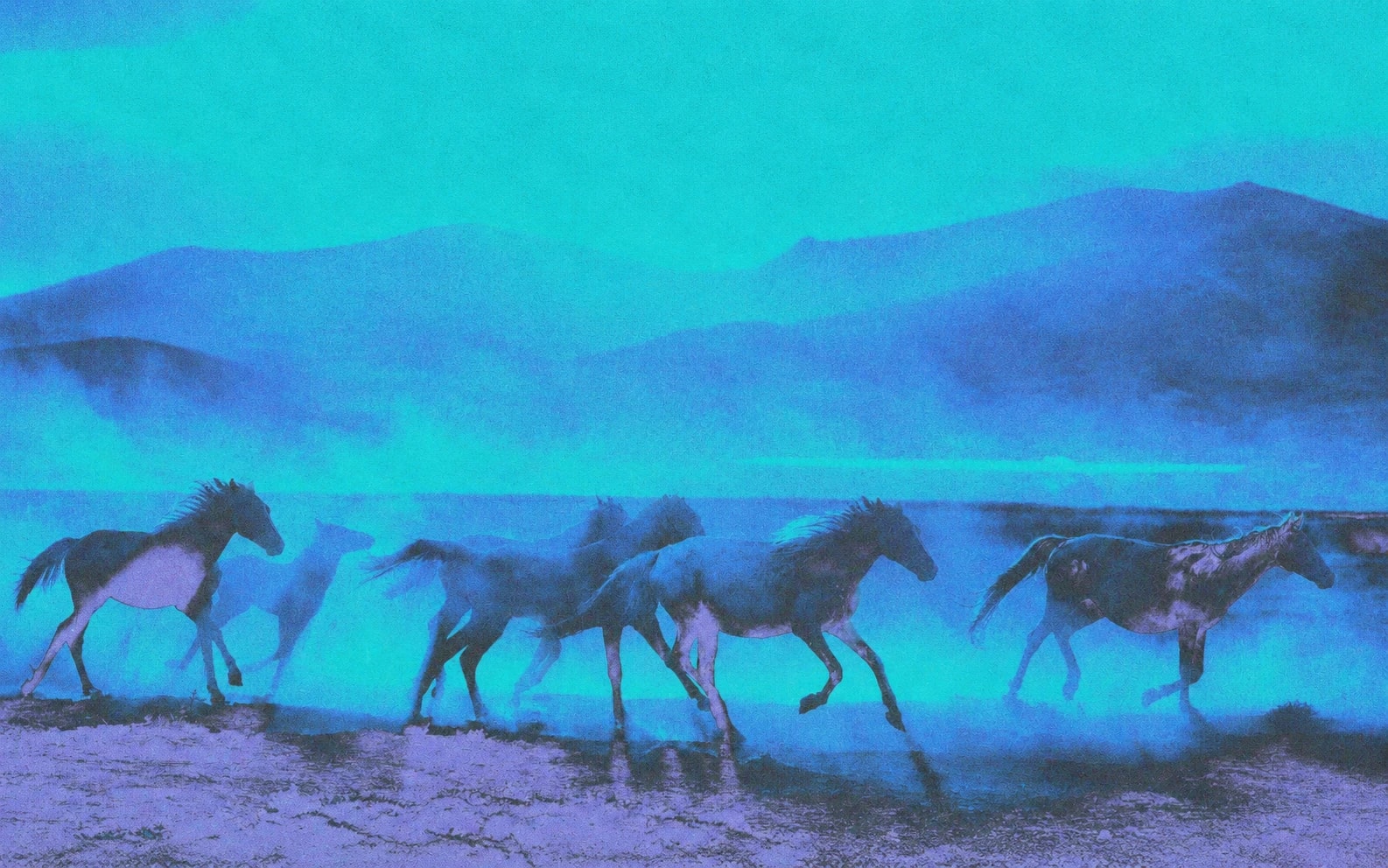
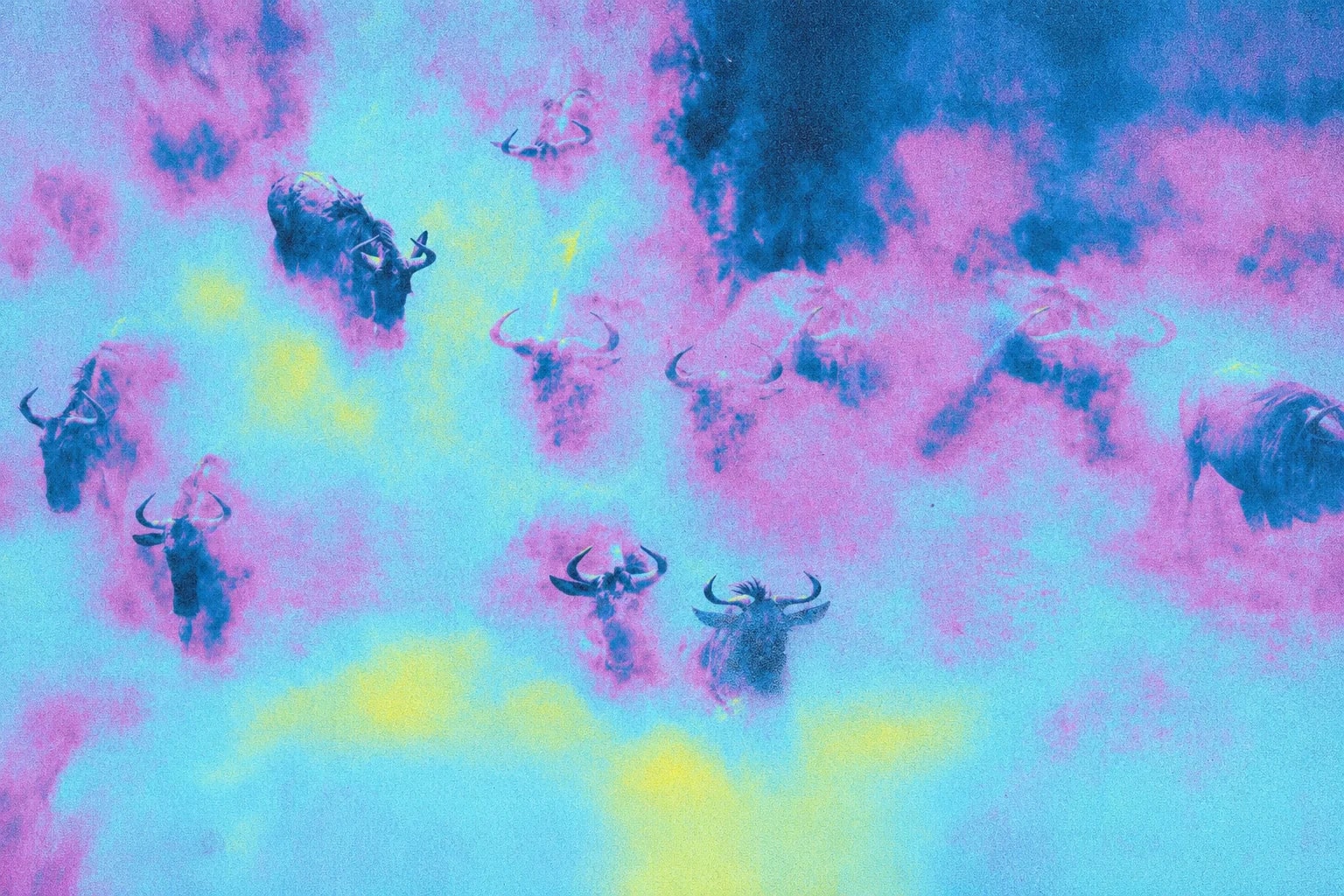
Photography taken to one colour family, with grain and the ASCII texture over it. Use the files as supplied, with no further filters. More are on the way.

Wild horses
First screen of Governance.

Wildebeest
First screen of Blockchain.

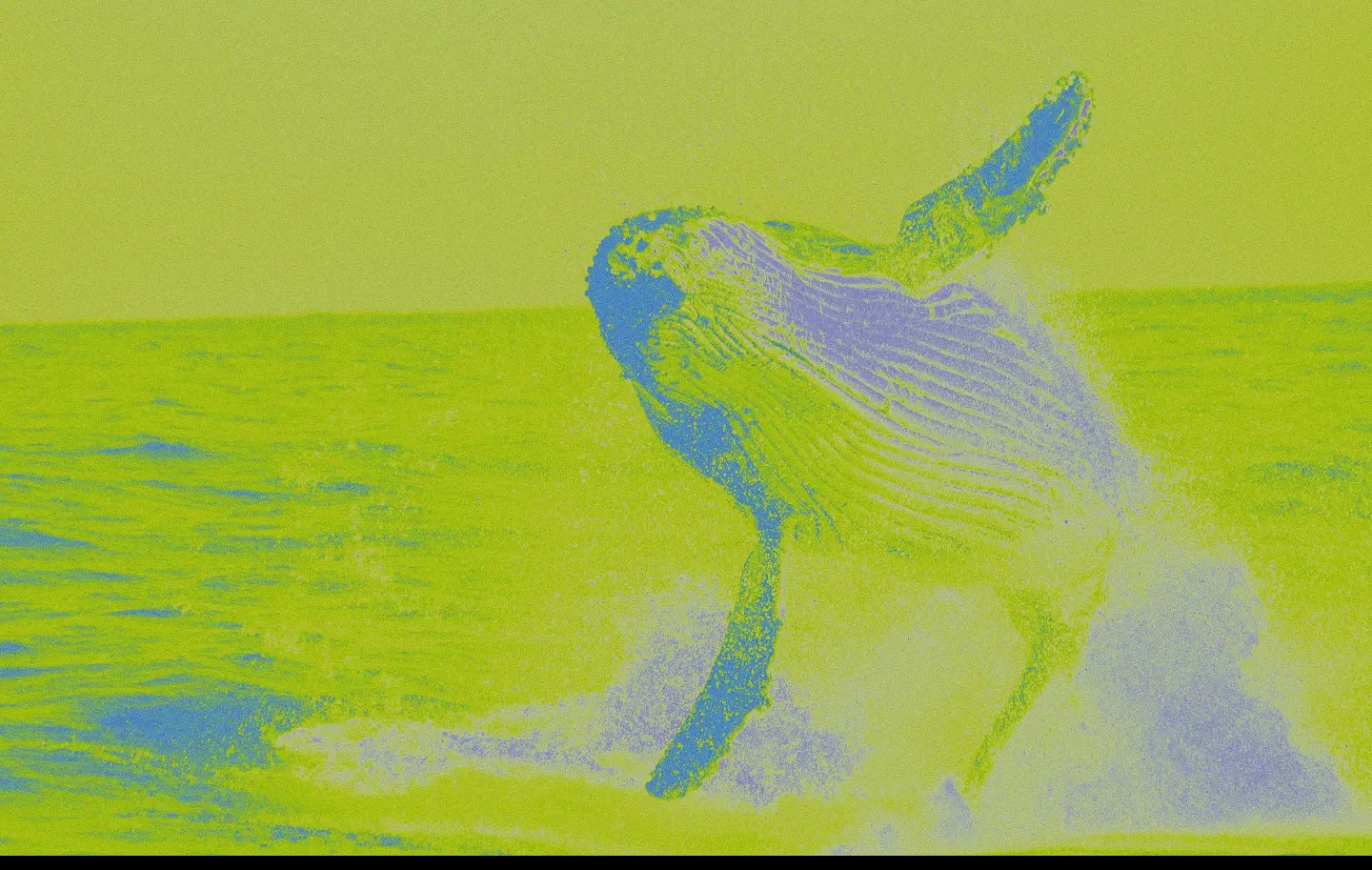
Leaping whale
First screen of Smart contracts.

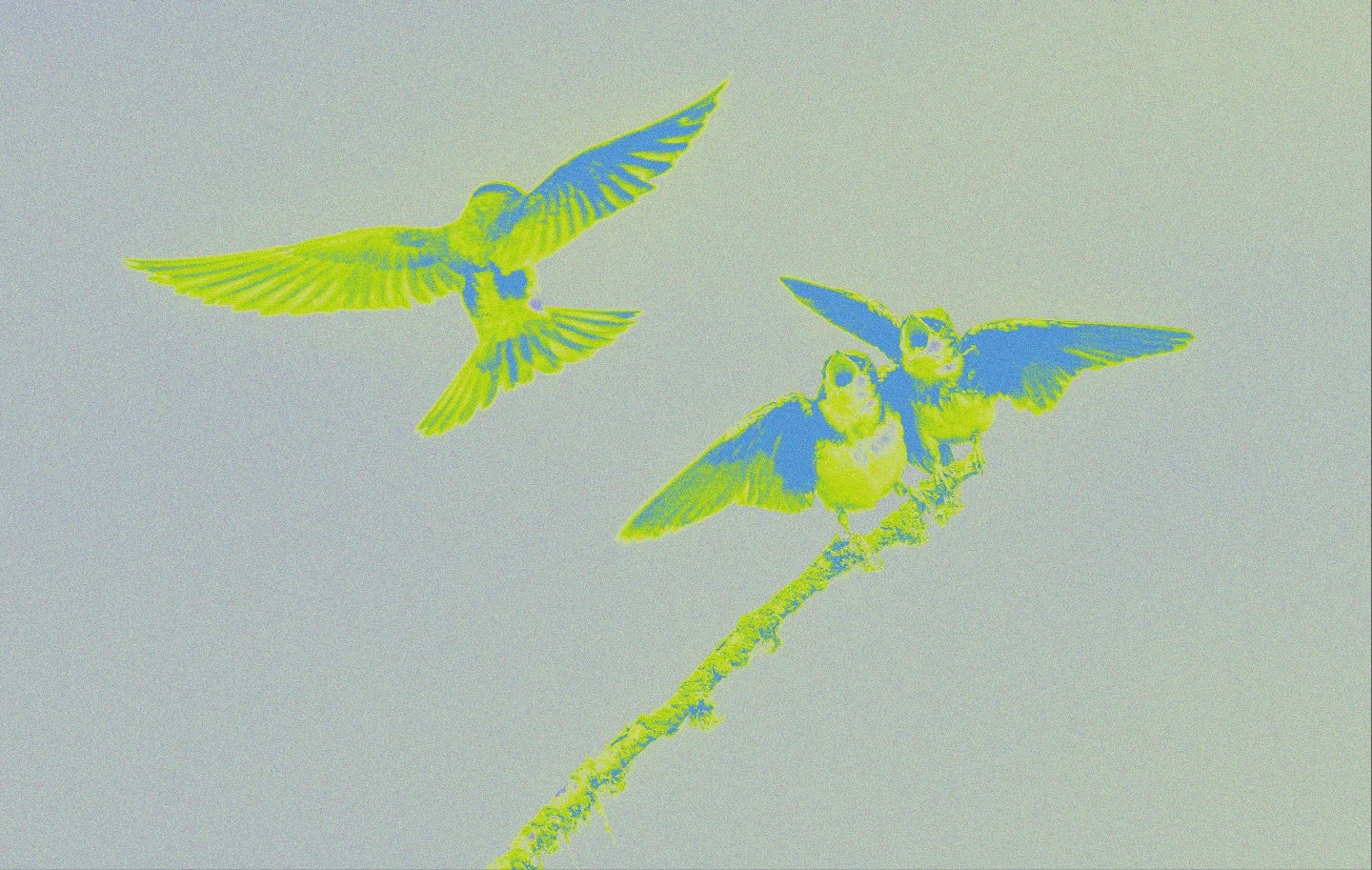
Birds in flight
First screen of Noir.

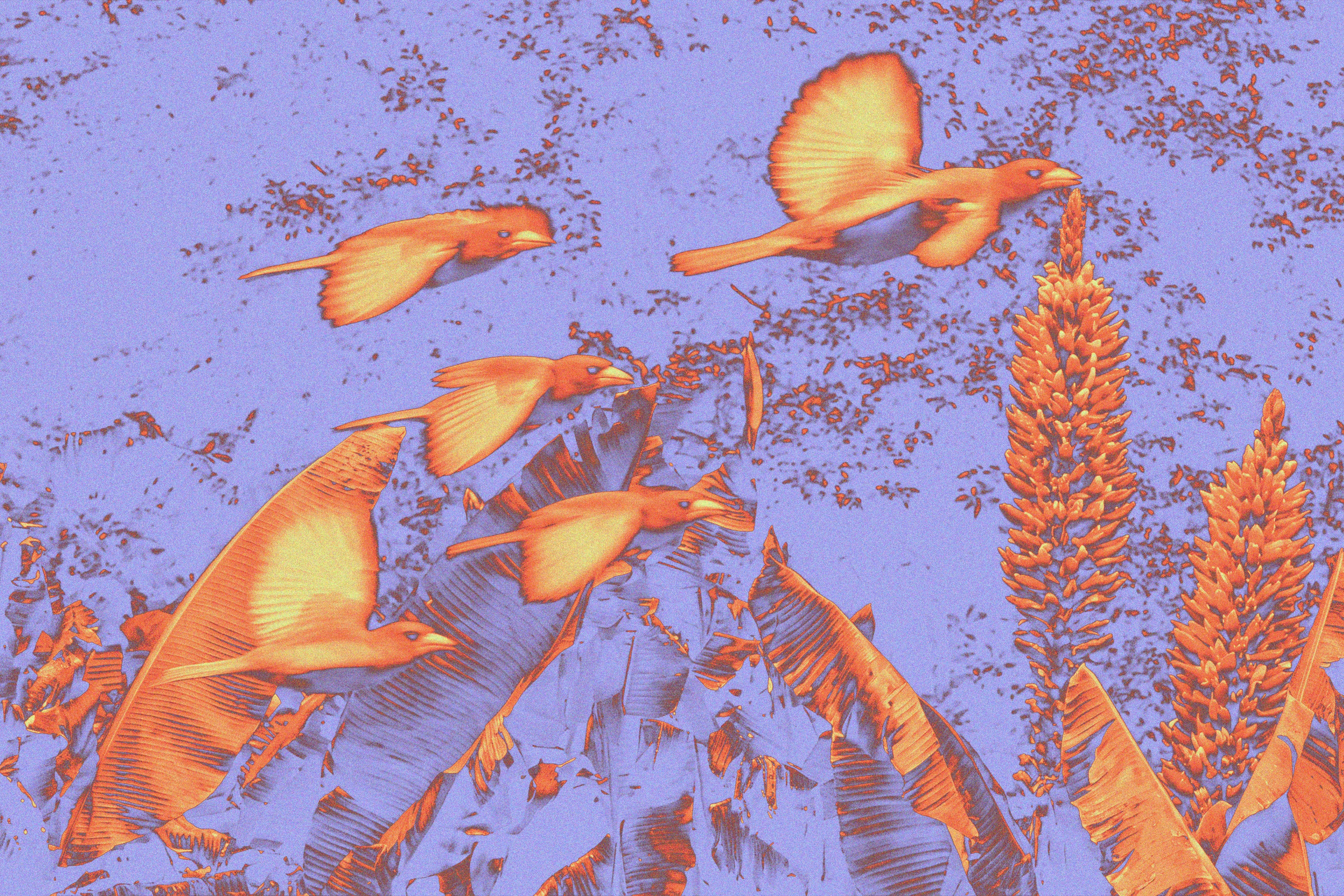
Birds and aloes
First screen of Apps.

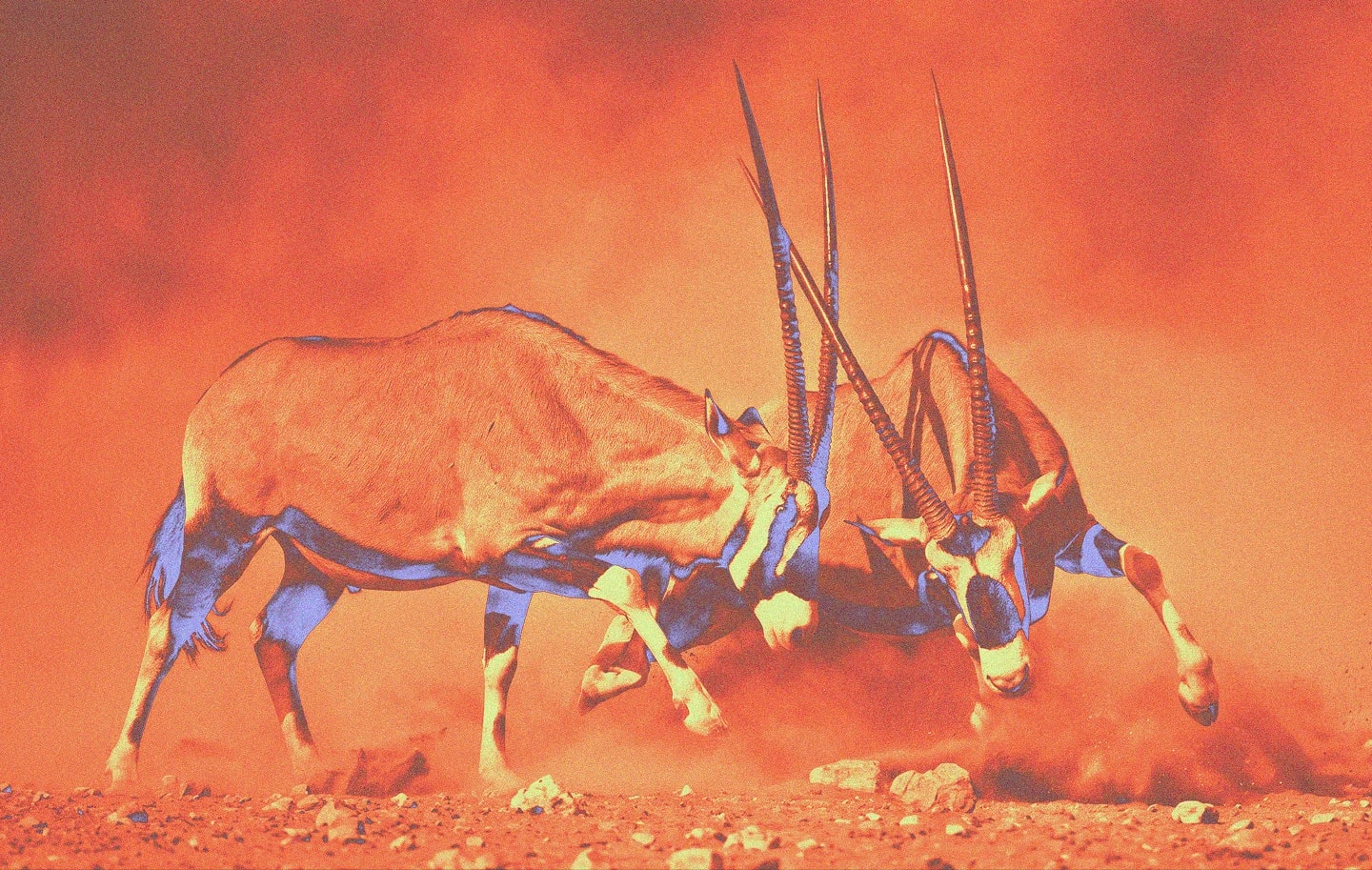
Oryx
First screen of Token utility.

Stampede
First screen of Where to buy.

Bull
First screen of Roadmap.

Surfacing whale
First screen of Research.

Zebras
First screen of Compare.

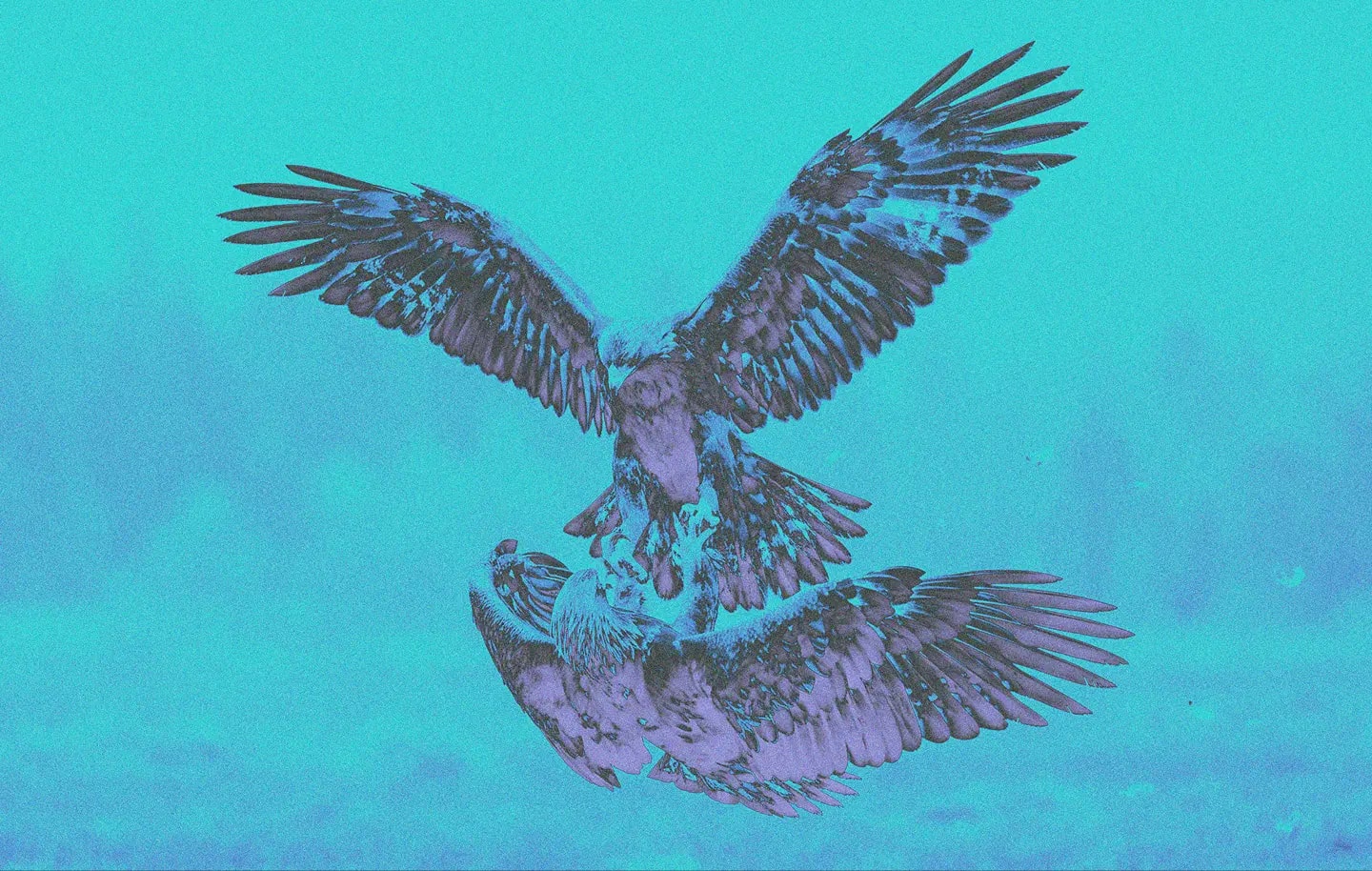
Eagles
First screen of each comparison.

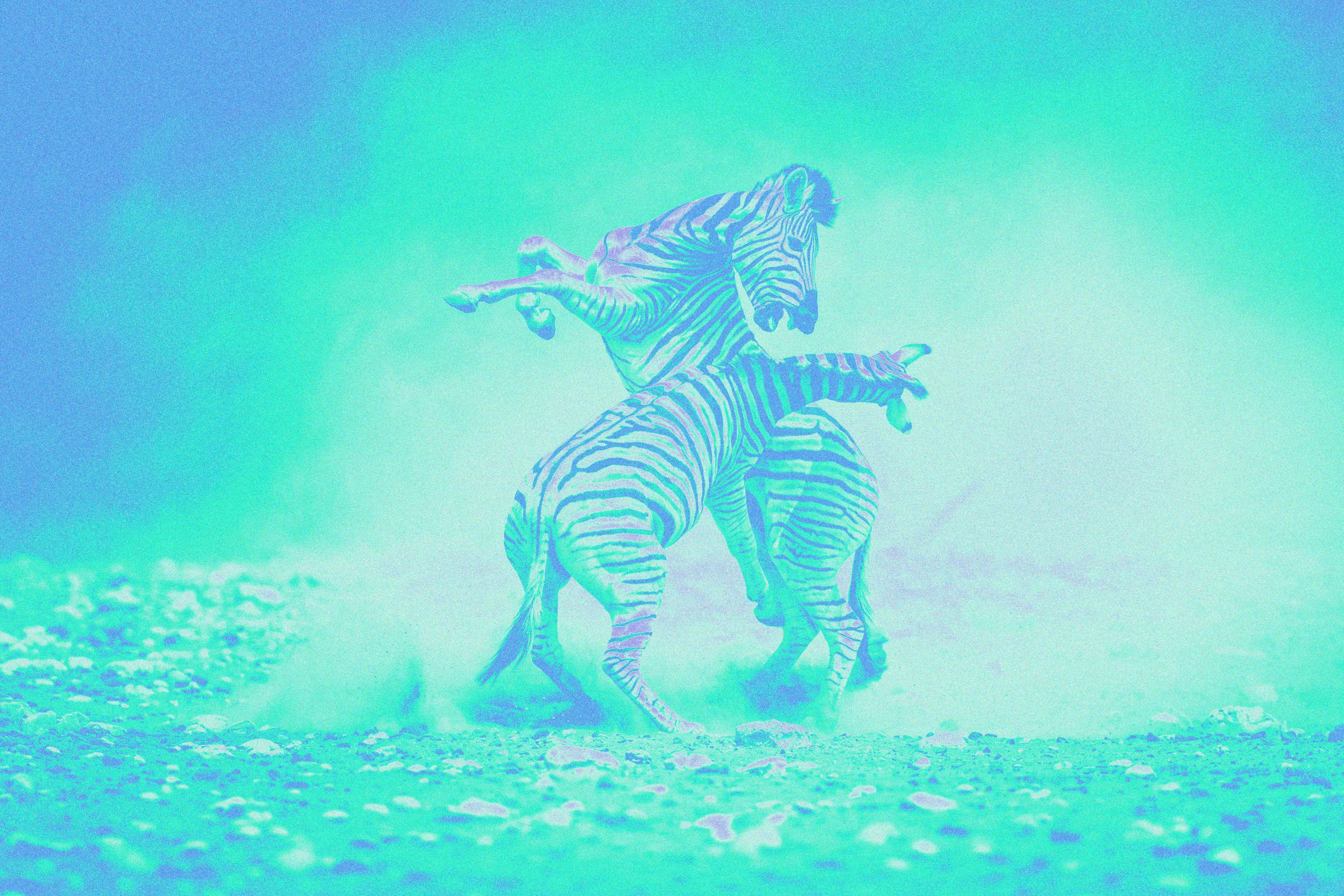
Sparring zebras
First screen of Brand and Network status.

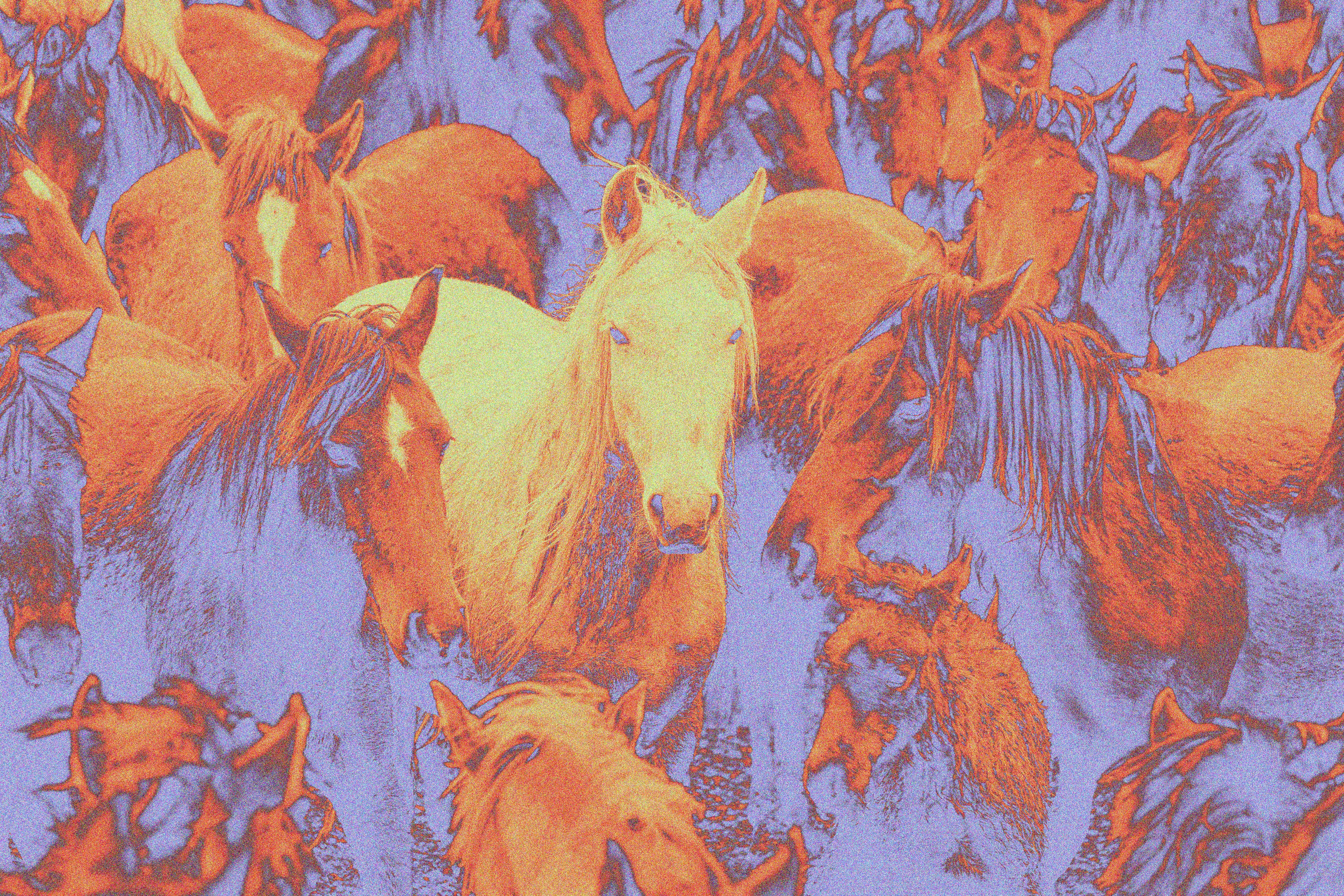
Herd
Behind the glass cards on the inner pages.

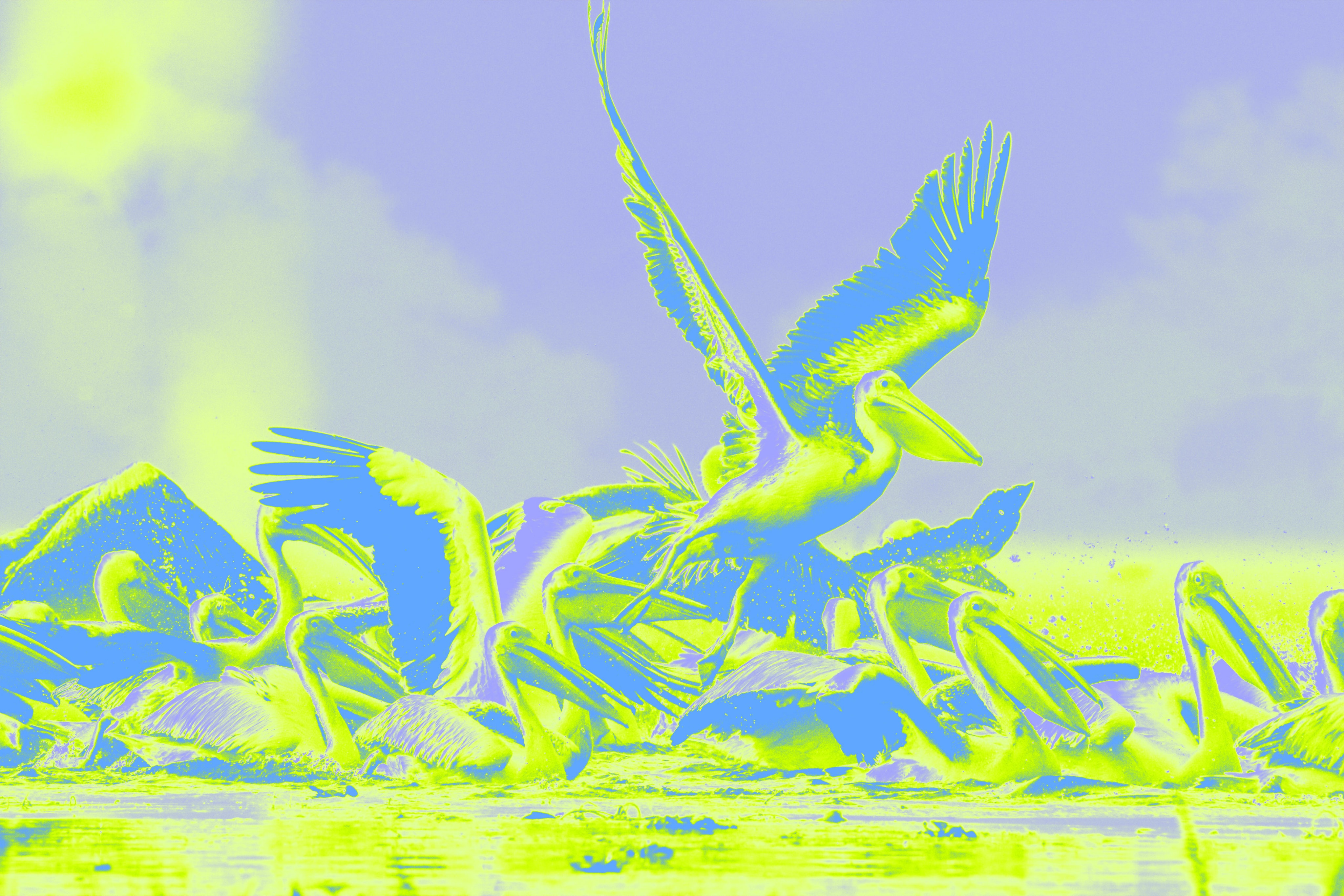
Pelicans
The symbol’s own backdrop in the brand file.
The names, and what they mean.
For anyone writing about Aztec. The network, the Foundation, Aztec Labs, Noir, and the token are five different things.
- Aztec Network
- The leading platform for unstoppable private apps: a decentralized Ethereum L2 where applications choose what is public and private, run by permissionless sequencers and provers.
- Aztec Foundation
- The publisher of this website.
- Aztec Labs
- A core contributor to the protocol and the original developer of Noir.
- Noir
- An open-source language for zero-knowledge programs with its own site and ecosystem. A project written in Noir does not necessarily run on Aztec Network.
- $AZTEC
- The network token: an ERC-20 on Ethereum used for fees, staking, and governance.
One address, for any AI tool.
Connect your AI assistant once, for every project, and ask it for the right logo, the colours, the type and the pictures, with the rules for using them. Public and read-only, with no sign-in.
MCP server: https://aztec.network/mcp
- Claude Code
Run this once. User scope makes it available in every project.
claude mcp add --scope user --transport http aztec-brand https://aztec.network/mcp - Codex
Run this once. It is saved to ~/.codex/config.toml, for every project.
codex mcp add aztec-brand --url https://aztec.network/mcp - Cursor
Add it to ~/.cursor/mcp.json, the global file, so every project has it.
{ "mcpServers": { "aztec-brand": { "url": "https://aztec.network/mcp" } } } - Claude
Open Customize, then Connectors, and add a custom connector with this address. It is then there in every chat and project. On Team and Enterprise plans, an owner adds it for everyone.
- ChatGPT
Turn on developer mode in settings, then create a connector under Apps and Connectors with this address and no authentication. It applies to your whole account.
- VS Code
Run this once. It adds the server to your user profile, for every workspace.
code --add-mcp '{"name":"aztec-brand","type":"http","url":"https://aztec.network/mcp"}'
Then ask it, for example:
- “Which Aztec logo goes on the leaping whale picture?”
- “Give me Aztec’s colours as CSS variables.”
- “Lay out a 1200 × 630 social card on brand, with a brand picture and the right logo.”